
Mini Emergency Missions Guide: How to Complete the Starter Medical Emergency Mission
Mini Emergency missions guide to the starter Medical Emergency mission: place the Basic Ambulance Depot, dispatch 8 medics, and collect the +$2.5K payout.
Your first rescue in Mini Emergency is the Dispatcher tutorial: follow its glowing white arrows and floating prompts, and you can finish it in under two minutes. Place the Basic Ambulance Depot, run to the Medical Emergency marker left of your base, press E to dispatch eight medics, and wait for the ambulance to clear the scene — a +$2.5K reward and a “SUCCESS! Your units are back” message confirm the mission paid out.
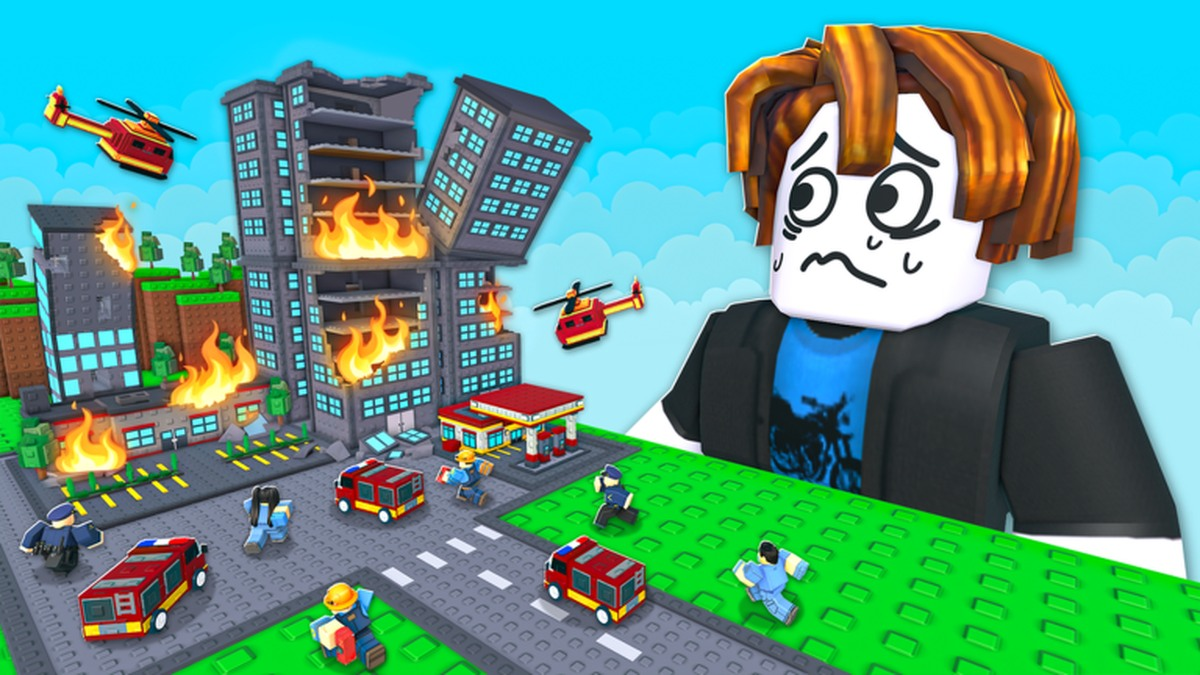
The starter Medical Emergency mission, step by step
The Dispatcher tutorial prompts each step with glowing white arrows and floating text, so you can mostly follow along on screen. The full sequence works like this:
- Place the Basic Ambulance Depot. Open your hotbar and select the Basic Ambulance Depot from slot 3 — this is the building that trains the medics used in missions. Rotate it with the R key if needed, then click the green build square.
- Run to the incident. With the depot placed, a Medical Emergency mission spawns near your base with an injured civilian, and the tutorial places it to the left of your base. The Medical Emergency mission banner appears as you head toward it — run across the field to the mission marker.
- Dispatch your medics. At the marker, press E to open the dispatch panel, select the Medics card, allocate 8 medics, and click Deploy. In the tutorial, this allocation displays a 95% success chance — that figure is what this one allocation shows, not a fixed rule for every mission. The Start Mission panel then confirms your units are sent.
- Wait for the ambulance. An ambulance spawns and drives to the scene while your medics stabilize the casualty. You do not need to do anything during this part — just let the mission run until it clears.
- Take the payout. When the mission clears, you receive a +$2.5K reward and the units return to base. The “SUCCESS! Your units are back” message confirms the mission paid out.
If you want to dig into those odds, the Mini Emergency mission success chance guide covers how they are shown, and Mini Emergency how to dispatch units takes a closer look at the dispatch controls.
Where missions fit in Mini Emergency
Missions are the game's active income. Response depots such as the Ambulance Depot train units, and deploying those units to incidents that spawn around the map earns cash rewards. Completed rescues are one of Mini Emergency's two income sources, alongside factory production you collect and sell to fund reinvestment — so the pattern you just practiced (incident spawns, dispatch, units resolve, cash arrives) repeats as you add more depots and unit types.
For what to do with the +$2.5K, the Mini Emergency money guide covers your spending options, and the Mini Emergency units guide goes deeper into the responders you can field. Current codes are kept on the Mini Emergency codes page.