
Mini Emergency Mission Success Chance: What It Means and Where to Read It
The success chance percentage in Mini Emergency's dispatch panel shows how likely your mission is to succeed. Here's where to read it before you hit Deploy.
In Mini Emergency, the percentage that appears while you dispatch units is the mission's success chance — how likely that dispatch is to succeed. You read it in the dispatch panel itself, during unit allocation and before you click Deploy.
Where to read it before you deploy
- Go to the Medical Emergency dispatch, to the left of your base.
- Press E to open the dispatch panel.
- Select the Medics card and allocate your medics.
- Read the percentage shown in the panel, then click Deploy.
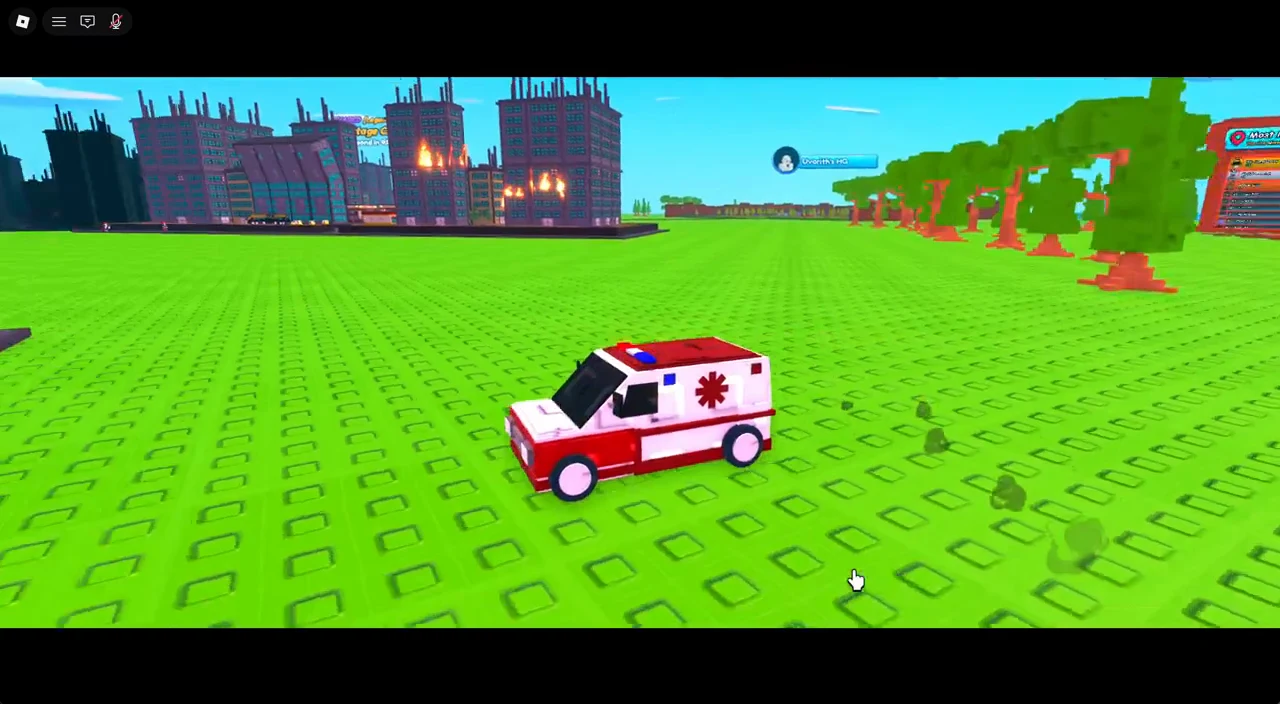
Once deployed, the ambulance travels to the destination and the medics finish treating the casualty.
What the number means
In practice: at the Medical Emergency dispatch, 8 medics on the Medics card showed a 95% success chance — strong odds going into the rescue.
That figure came from one dispatch — don't assume the same number for a different allocation or a different mission. The habit that matters: read the percentage in the dispatch panel after you allocate and before you press Deploy, and treat the panel, not memory, as the source of truth.
The success chance is one part of the wider dispatch loop. For the full flow, see the Mini Emergency how to dispatch units guide and the missions guide; the units guide covers the units you can send on missions.