
How to Sell Supplies in Mini Emergency (Collect & Sell for Cash)
Sell a finished Rescue Supplies batch in Mini Emergency: press E at the Supply Warehouse to collect, follow the arrows to the central market stall and click Sell for cash.
To sell a finished batch, walk up to your Supply Warehouse and press E to collect the Rescue Supplies, then follow the arrow-marked route to the market stall in the center of the map and click Sell. The batch converts to cash on the spot, and the game confirms the sale with a "Nice cash!" message.
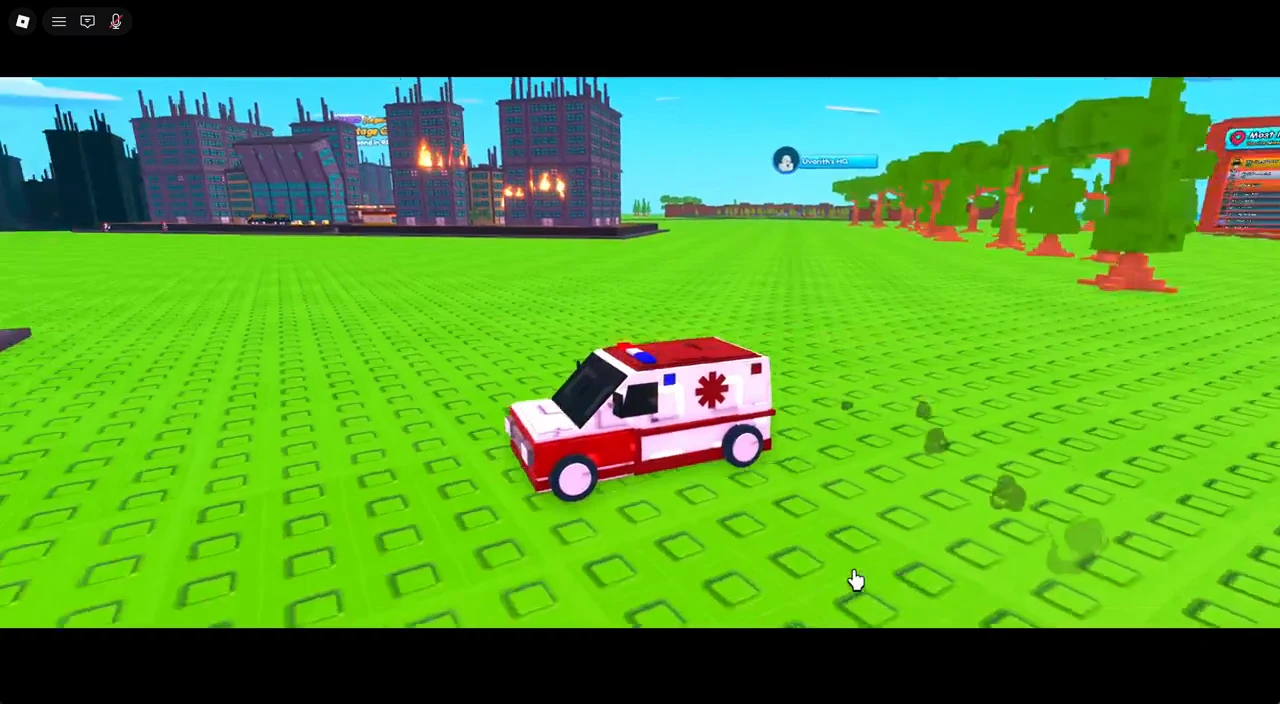
Step by step
- Let the warehouse finish producing. The tutorial has you place the Supply Warehouse from slot 3 of your hotbar — the slot that holds whichever building you're placing next. Once placed, it produces goods over time and keeps producing while you're off on missions.
- Collect with E. When a batch is ready, approach the building and press E to collect it — in the tutorial, the prompt reads "6 Rescue Supplies — Collect with the E key," and your first batch is six units.
- Follow the arrows to the market stall. The marked route leads to the stall in the center of the map. If you lose track of it, our market location guide pinpoints the spot.
- Click Sell. At the early tutorial stage, six Rescue Supplies bring in $12, and the "Nice cash!" message confirms the sale.
Where selling fits in your money
Selling produced goods at the central market stall is one of the game's two ways to earn money — the other is dispatching units to incidents for cash rewards. Per-sale value is small early on, but that's fine: production runs in the background while you focus on missions, so there's usually a batch waiting whenever you return to base. Build and upgrade more factories so a batch is always ready, and roll the profits into new land and facilities — see the money guide for the full loop and the Rescue Supplies overview for a closer look at the resource.
Before you start, it's also worth checking the Mini Emergency codes page for active rewards.