
How to Dispatch Units in Mini Emergency: Open the Panel & Deploy
Learn how to dispatch units in Mini Emergency: press E at an incident's marker, pick a unit card like Medics, set how many medics to send, and click Deploy.
Dispatching a unit in Mini Emergency is short: walk up to the incident, press E to open its dispatch panel, pick a unit card, choose how many responders to send, and click Deploy. Here's the full flow, from the moment a call appears to the moment your units are back at base.
Head to the incident marker
A Medical Emergency mission spawns nearby with an injured civilian waiting for help. For your first call, the starting walkthrough sends you to the Medical Emergency location to the left of your base. As you head toward the incident, a Medical Emergency banner appears to mark the call, so keep running toward the mission marker until you reach the scene.
Open the dispatch panel and send a unit
Once you're at the incident, the dispatch takes four inputs:
- Press E at the scene to open the dispatch panel.
- Select the unit card that matches the call — the walkthrough's first rescue picks the Medics card.
- Allocate how many medics to send. The example dispatch sends 8 medics.
- Click Deploy to submit the dispatch.
Right after you deploy, the panel confirms the call was accepted with a "Units sent" message. What a given squad size means for your results is its own topic — the Mini Emergency mission success chance guide covers it, and the units guide explains the responder types themselves.
What happens after you click Deploy
The rest plays out on its own. An ambulance spawns and drives itself to the scene while the medics stabilize the casualty — you don't need to do anything during this part. In the first rescue of the starting walkthrough, the mission cleared with a +$2.5K payout and a "SUCCESS! Your units are back" message confirming the responders returned to base.
Where the first dispatch fits in your start
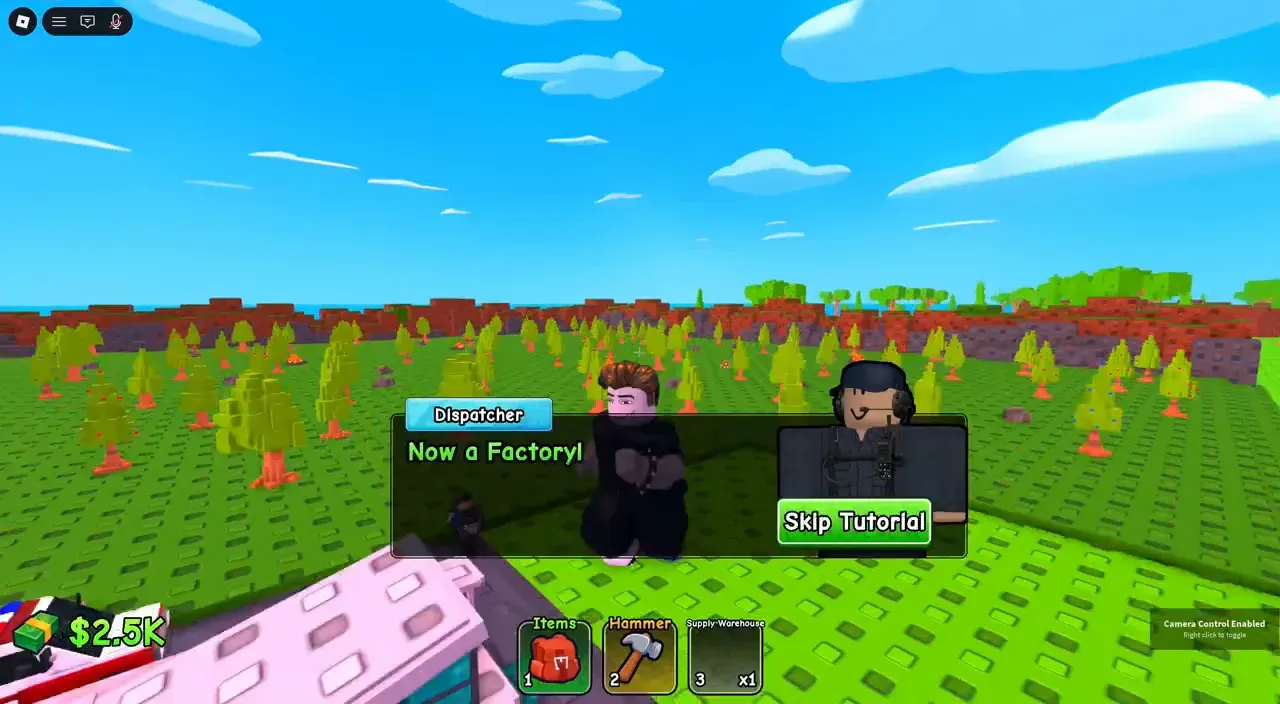
The starting tutorial sequences your first dispatch right after construction: you build the Basic Ambulance Depot from the hotbar (third slot, rotate with R if needed, click the green build square), and once the depot is up you use the same E interaction panel to deploy units to the Medical Emergency location. The placement and construction steps are laid out in the Mini Emergency building guide.
That's the dispatch sequence from the starting walkthrough's first rescue: reach the marker, press E, pick your card, set the count, and click Deploy. For how incidents fit into the wider loop, see the Mini Emergency missions guide.